PAGE vs Cash-Only: Take Card Payments With No Card Reader
For the first time ever, cards beat cash on purchases under $25. If you're cash-only, you're turning away the smallest, easiest sales of the day.
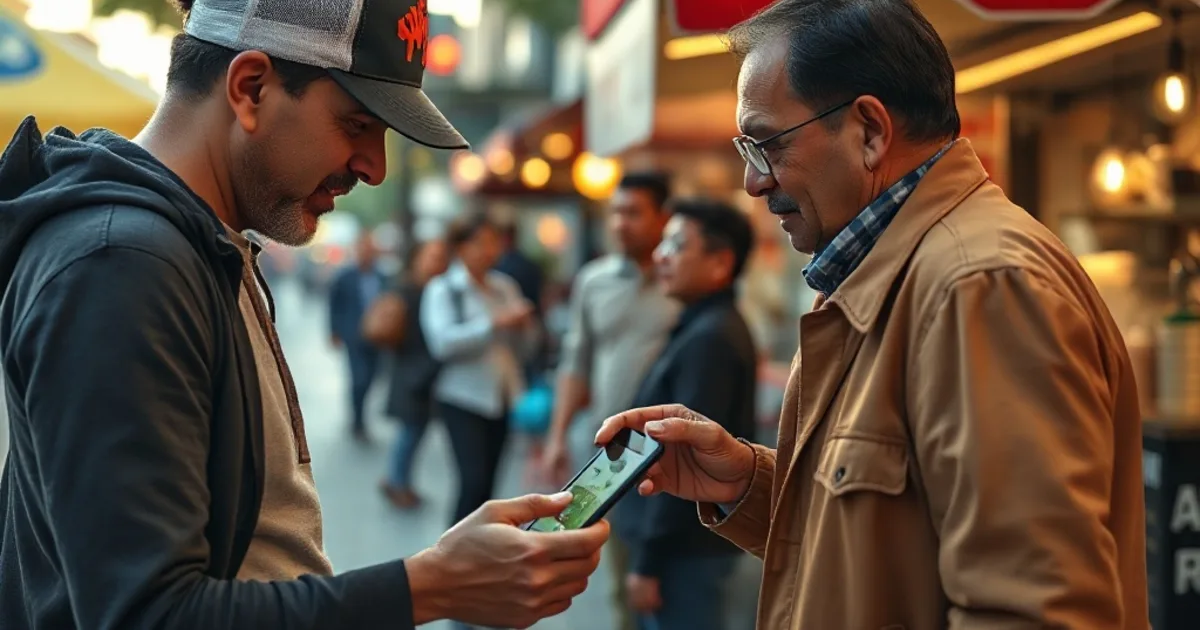
Most micro-businesses don't skip cards because they want to — they skip them because every option meant buying hardware, signing a contract, or waiting on a terminal in the mail.
PAGE removes the reason. Your phone is the terminal. Tap to Pay, a payment link, or a QR code — accept a card in the time it takes to hand over change.
| PAGE | Cash only | |
|---|---|---|
| Hardware to buy | None — your phone is the reader | None, but you can't accept cards at all |
| Accept cards | Tap to Pay, links, QR | No |
| Setup time | Minutes | — |
| Lost sales (no cash on hand) | Captured | Walked away |
| Receipts & records | Automatic, digital | Manual or none |
| Money trail for taxes | Every sale logged | Hard to reconstruct |
| Monthly fee | None | None |
Why cash-only quietly costs you
The Federal Reserve's 2024 Diary of Consumer Payment Choice found cards overtook cash on sub-$25 purchases for the first time. The small ticket — the coffee, the trim, the single taco — is exactly where a customer reaches for a card now.
When you can't take it, you don't just lose that sale. You lose the tip, the repeat visit, and the customer who tells a friend you're "cash only, FYI."
How to start taking cards with just your phone
- 1Download PAGE
Get the app on iPhone or Android. No card reader, no kit to wait for.
- 2Connect your payouts
Link where your money lands. Most people finish in a few minutes.
- 3Take your first card
Tap to Pay on the phone, send a payment link, or show a QR. The customer pays; you get a receipt.
FAQ
Do I need a card reader to use PAGE?
No. PAGE uses Tap to Pay built into modern iPhones and Android phones, so the phone itself is the terminal. There's nothing extra to buy.
Is there a monthly fee?
No monthly fee, and no hardware to buy. PAGE's pricing is per-sale and capped per transaction — current rates are on pagepay.app.
How fast do I get paid?
PAGE connects to your payout account and settles your sales to it. For exact timing, check the payout details in the app — we don't want to quote a number that drifts.
Does it work on Android?
Yes. PAGE is built for both iPhone and Android — it's bring-your-own-device, not iPhone-only.
What if a customer has no cash and no card?
PAGE also does payment links and QR, so they can pay from their own phone — including Cash App Pay.
Stop turning away the easy sales
Your phone is already in your pocket. Make it the register.
Start taking cards →Start taking cards from your phone
No card reader, no monthly fee. Drop your email and we'll get you set up — or create your account now.